
Website handovers – what actually happens?
Every now and then, a client decides to move their website elsewhere. Even from us.
Sometimes they are bringing things in-house. Sometimes they have hired a shiny new agency. Sometimes their nephew “knows all about computers”. Sometimes it is simply time for a change.
That is all perfectly normal.
At Dynafish, of course we don’t like losing clients we have often worked with for years. However, if you do decide to move on, we will always do our best to make the process straightforward, sensible, and as painless as possible for everybody involved.
Over the years I have noticed there is often quite a bit of confusion around what a website handover actually involves, what access is needed, and who becomes responsible for what as the process proceeds.
So here is a friendly, practical guide based on how website handovers usually work best in the real world.
What normally gets handed over?
In most cases, a new developer or agency only needs a few key things in order to take over a website properly:
– WordPress administrator login
– Hosting or cPanel login
– Domain transfer access or EPP/authorisation code
That is generally enough to give full control of the entire system.
Once those details are handed over, the new team can access the files, databases, email settings, media library, DNS records, backups, and everything else connected with the site.
In simple terms: once you hand somebody the keys to the house, they can open the cupboards themselves.
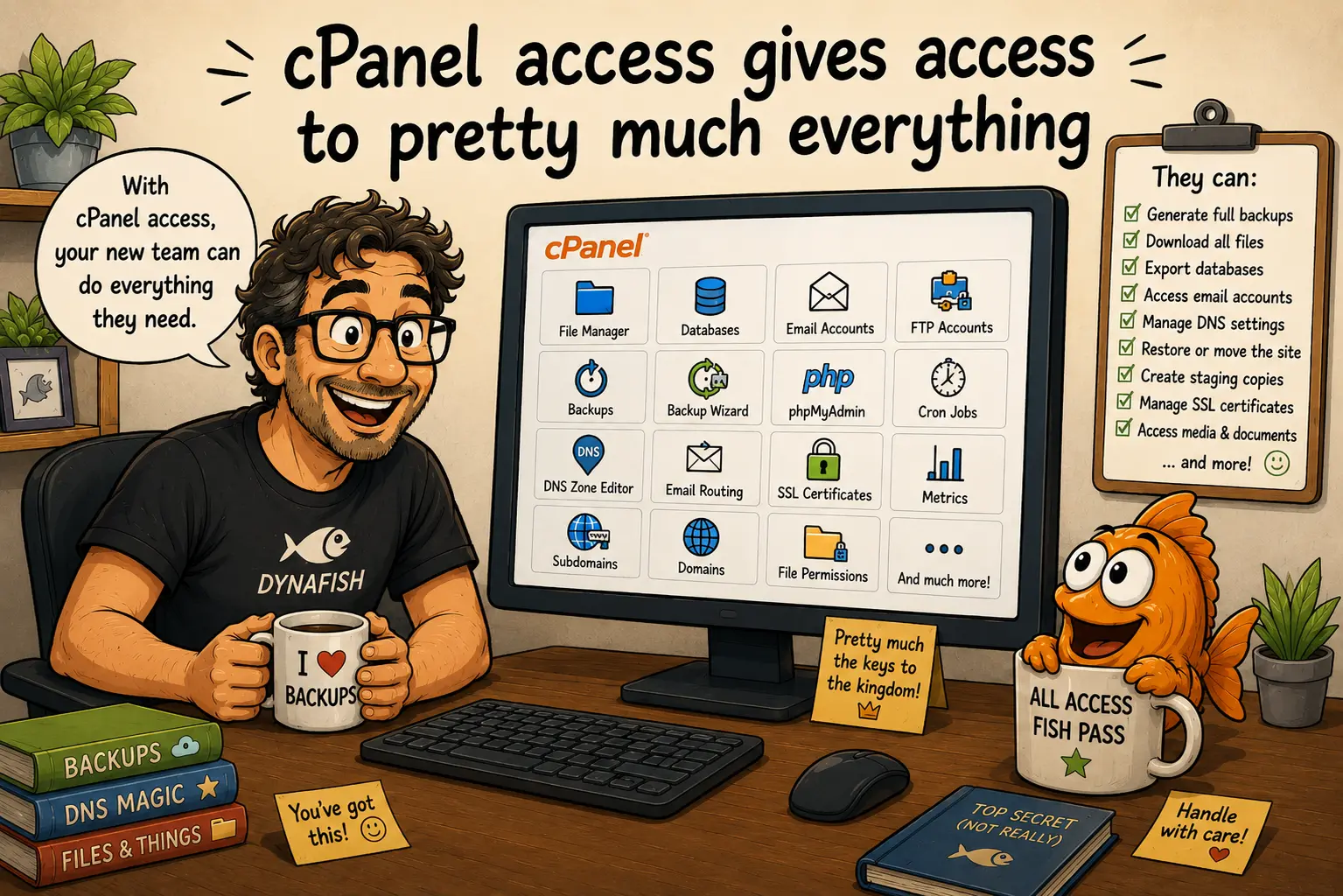
cPanel access gives access to pretty much everything
This is something many non-technical clients understandably do not realise.
If a new web team has full hosting or cPanel access, they can normally:
– Generate complete backups
– Download all website files
– Export databases
– Access email accounts and DNS settings
– Access FTP accounts with server file access
– Restore the site elsewhere
– Manage SSL certificates
– Access uploaded media and documents
Because of this, there is usually no need for the outgoing developer to manually prepare giant ZIP files, hundreds of screenshots, or carefully packaged exports of every image and PDF on the site.
The incoming technical team can simply obtain what they need directly, and usually in a way that suits their own systems better anyway.
Domain transfers – EPP codes and GoDaddy pushes
Ah yes. Domains. The bit everybody assumes is simple until suddenly three people are staring at an email titled:
“IMPORTANT: ICANN TRANSFER AUTHORISATION CONFIRMATION”
A domain can normally be transferred in one of two ways.
1. Registrar account push (usually the easiest)
If both parties use the same registrar, such as GoDaddy, the domain can often simply be pushed directly from one account to another.
This is usually the cleanest and quickest option.
2. EPP / authorisation code transfer
If the domain is moving to a different registrar, the domain owner normally provides:
– An EPP / authorisation code
– Confirmation that the domain is unlocked
The new provider then starts the transfer process from their side.
Importantly, moving a website to a new server does not necessarily require the domain registration itself to move immediately. Quite often the hosting migration happens first, and the domain transfer happens later, once everybody has settled down and had a nice cup of tea.
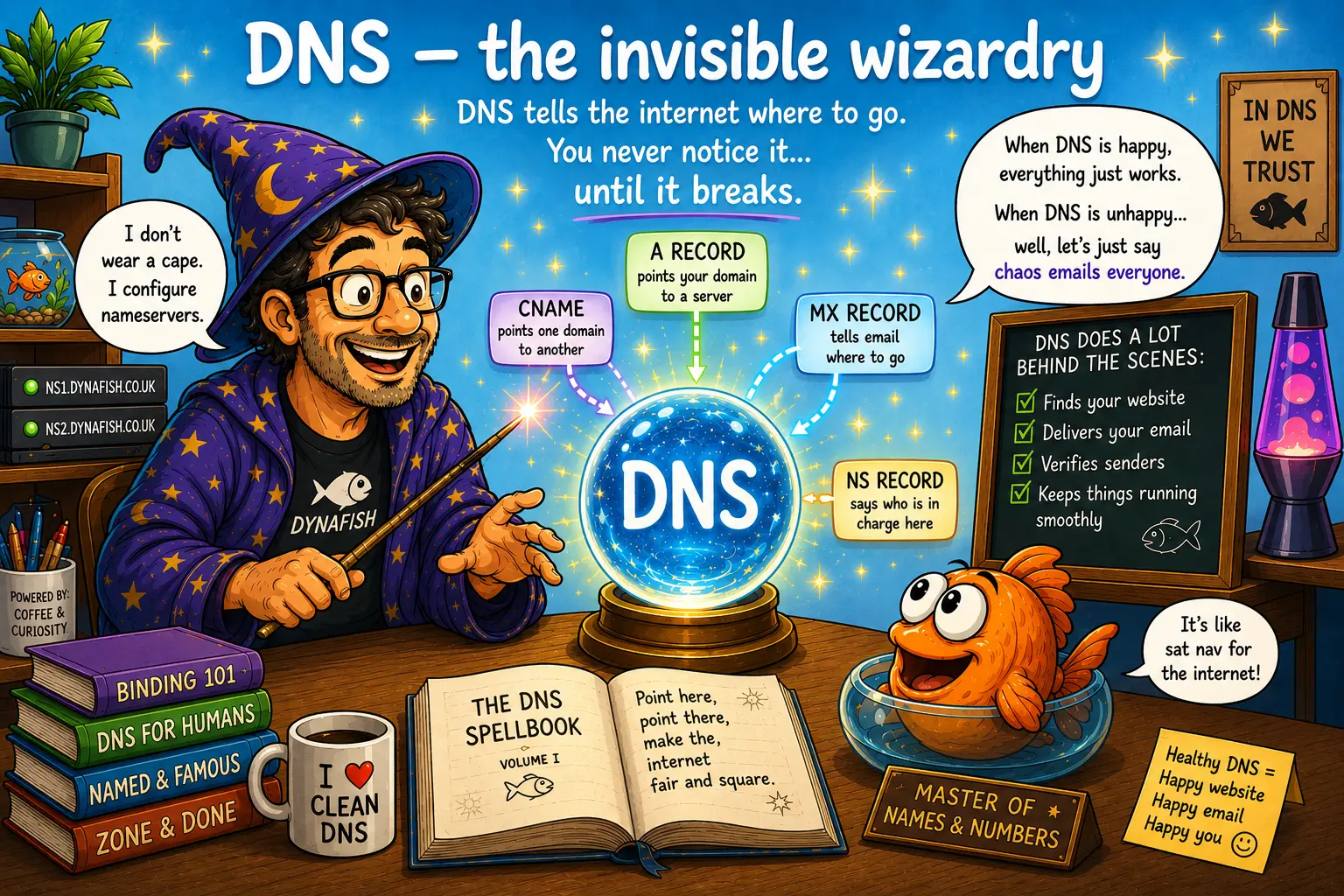
DNS – the invisible wizardry
DNS is basically the internet’s sat-nav system. It tells browsers, email systems, and other systems and servers where to find a domain and the services connected to it.
Most people never notice DNS at all, right up until the moment it breaks and email disappears into the void.
During a migration, DNS changes may involve:
– Updating A records
– Changing nameservers
– Adjusting email routing
– Moving DNS zones between providers
A successful DNS migration is usually extremely boring. The website keeps working, the email keeps arriving, and nobody notices anything happened.
That is exactly how it should be.
Third-party licences – Divi, plugins and other shiny things
This is another area that occasionally surprises people.
Many websites use commercial themes, plugins, or developer tools under licences owned by the original developer or agency.
Common examples include:
– Divi
– Security plugins
– Analytics systems
– SEO software
– Form systems
These licences are often part of a developer membership or agency account and are generally not transferable as part of the website itself.
So during a handover, it is quite normal for the outgoing developer to remove their licence access, after which the new web team installs and manages their own licences going forward.
This is standard industry practice, not somebody storming off in a huff clutching a Divi API key.
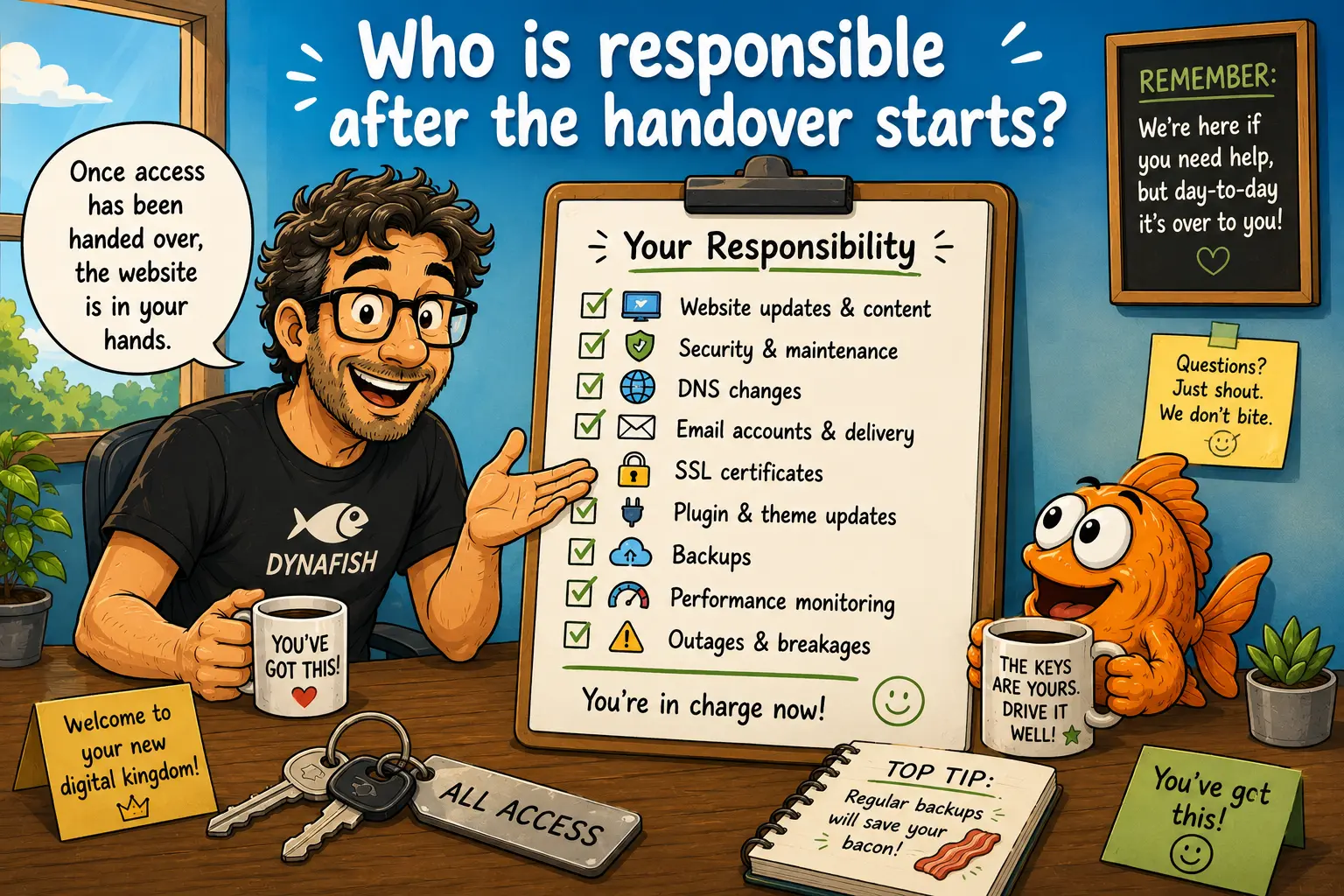
Who is responsible after the handover starts?
This is probably the most important point.
Once administrator and hosting access have been handed over, responsibility for the ongoing operation of the website normally passes to the new owner or technical team.
That includes things like:
– Website updates
– Security
– DNS changes
– Email delivery
– SSL certificates
– Plugin updates
– Performance issues
– Future outages or breakages
In other words, once the keys have changed hands, the new caretaker is now driving the bus.
For that reason, it is always wise for the incoming team to take a complete backup and fully familiarise themselves with the system before making major changes.
Hosting renewals and timing
One final thing that occasionally causes confusion, is hosting renewal timing.
Hosting services are normally billed in advance and renew automatically unless cancellation is received beforehand. This is standard practice for commercial hosting providers worldwide.
If a client decides to move shortly after a renewal date, the hosting can generally continue until the end of the paid term. This is usually beneficial to everybody, because it allows time for migration, testing, DNS propagation, email checks, and all the other little gremlins that like to appear during website moves.
Rushed migrations are a bit like DIY plumbing repairs at 11pm. They often begin with confidence and end with towels on the floor.
Final thoughts
Website handovers do not need to be awkward, hostile, or dramatic.
Most of the time, they are simply a technical transfer from one team to another.
A good outgoing developer should provide sensible access, clear communication, and reasonable cooperation.
A good incoming developer should know how to use the access they have been given.
And ideally, everybody parts and stays on good terms.
After all, the internet is stressful enough already.